ARVEPLAN version 5
This version is made for Windows 11. To get to ARVEPLAN version 5, you have to install the program again (follow the link below). After that, ARVEPLAN will notify you every time a new version is released.
👉 http://www.arveplan.dk/arveplan/version5/publish.htm
A little history about version 5:
It is not technically possible to develop ARVEPLAN for both Windows 10 and Windows 11, and many of the components that were used in version 4 are no longer supported. In order to continue to make new versions, we have had to make version 5 for Windows 11, and this requires a new installation – and you will have to do your field setup again.
Users who only have Windows 10 can stay on version 4. New features and any bug fixes will only be implemented in version 5 in the future.
As a starting point, we have written that codes for ARVEPLAN will apply as long as the new versions are called version 4 – this is now extended to also apply to version 5.
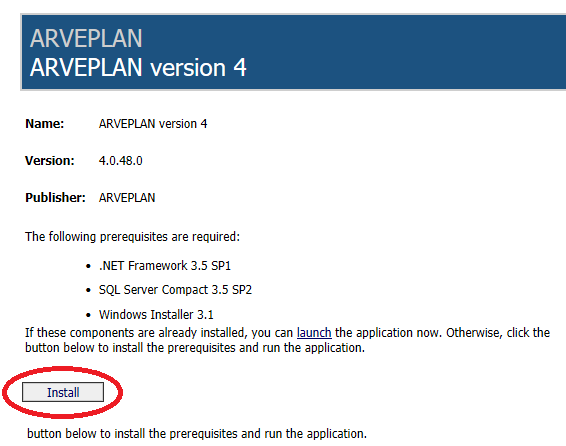
ARVEPLAN version 4 (Windows 10)
can be installed by following this link:
http://www.arveplan.dk/arveplan/version/publish.htm
Get a free DEMO version for 30 days
Send a E-mail to Per@ARVEPLAN.dk
with your:
- Name
- Adress
- City
- Contry
- E-mail